AI Collaboration
In collaboration with SCAD · SBLD 560 — Collab: Design for AI, Spring 2026
Exploring AI in architectural design through ethics, image generation and spatial workflows.
Course studies span text-to-image and image-to-image tools, guided image editing, LoRA training, and tower experiments that connect images with 3D, video, compositing and printing.
Two perspectives on creative AI: protecting human authorship and exploring new design possibilities.
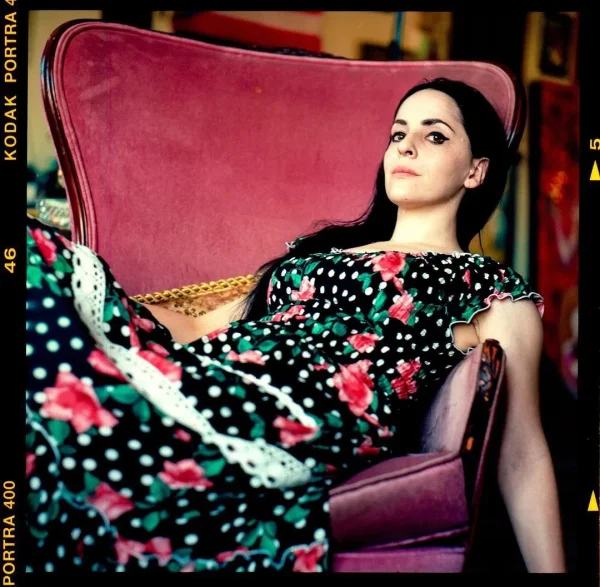
Molly Crabapple · Protect human artists
In her 2023 open letter with CAIR, Crabapple argues that training image generators on artists’ work without consent or compensation, then using their output to replace paid illustration, threatens both livelihoods and human expression. She calls on publishers to commission human-made art.
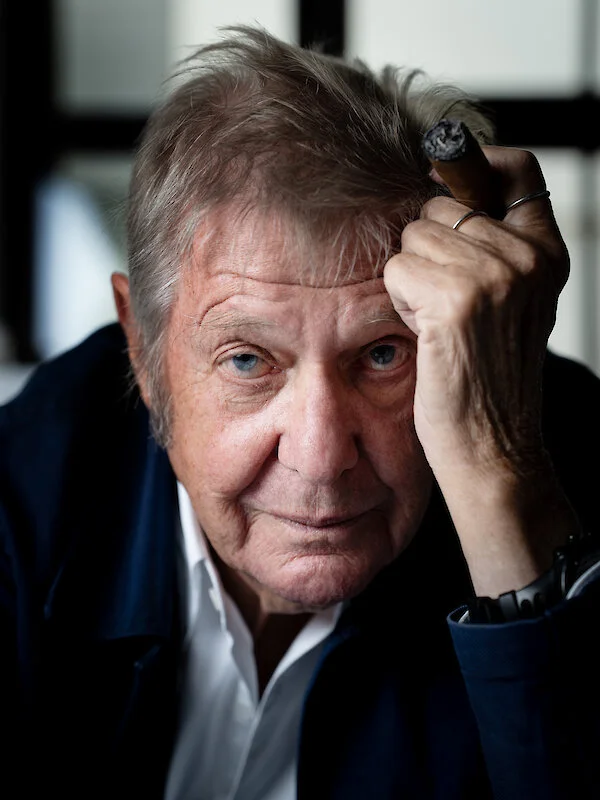
Wolf dPrix · Expand architectural creativity
Prix presents AI as a tool that can extend what architects imagine and design. His practice’s Deep Himmelblau research explores machine learning to generate forms and augment designers’ creativity, while questioning the future relationship between architects and their tools.
These positions frame different ends of this course’s discussion: consent and creative labor on one side, design experimentation on the other. They address different fields and are not a direct exchange between the two speakers.
A ComfyUI guide to generating an architectural image from a written brief. Begin with a working model template, then test one decision at a time.
Core node path · checkpoint workflow
Load Checkpoint → CLIP Text Encode (positive + negative) → KSampler → VAE Decode → Save Image. Empty Latent Image supplies the canvas to KSampler; the checkpoint supplies MODEL, CLIP and VAE to their matching inputs.
01 · Set up the canvas
Select an installed checkpoint and choose width, height and batch size in Empty Latent Image. Keep the template’s model-specific sampling settings for the first run.
02 · Write the brief
Describe the subject, spatial arrangement, material, light and camera. Use the negative prompt for unwanted features where the workflow supports it.
03 · Generate and compare
Queue the graph. Fix the seed while refining the prompt; change it when exploring new compositions. Decode the result with the matching VAE and save the image.
Architectural prompt exercise
A compact courtyard library, brick walls and timber roof, planted central courtyard, eye-level view from the entrance, soft morning light, architectural photograph.
Change one variable
Keep the seed and camera description fixed. Compare brick, rammed earth and exposed concrete; then repeat with morning and evening light. Record the prompt, model and seed beside each result.
FLUX / FLUX Krea
Use the matching official template. Krea uses Load Diffusion Model, DualCLIPLoader and Load VAE rather than the single checkpoint loader. Select compatible model files and retain its guidance and sampler setup.
Official ComfyUI text-to-image guide ↗ · FLUX Krea guide ↗ · Krea workflow JSON ↗
A ComfyUI guide to transforming a reference image with a prompt. Start with a sketch, massing view or render, then explore changes in material, atmosphere and style.
Core node path · checkpoint workflow
Load Image → VAE Encode → KSampler → VAE Decode → Save Image. Connect the checkpoint’s VAE to both VAE nodes, its MODEL to KSampler, and the encoded positive and negative prompts to the sampler’s conditioning inputs.
01 · Prepare the reference
Load the image and size it for the chosen model. Replace the text-to-image graph’s Empty Latent Image with VAE Encode, so KSampler receives the reference latent.
02 · Describe the intended result
State what should remain and what should change. Example: retain the courtyard composition; reinterpret the walls in pale brick, add timber screens and soft overcast daylight.
03 · Test denoise strength
Lower denoise generally keeps the result closer to the reference; higher values permit larger changes. At 1, the reference latent is fully noised. Keep the seed fixed for comparisons.
Controlled comparison
Try denoise 0.25, 0.50 and 0.75 with the same image, prompt and seed. These are experiment values, not presets: compare geometry, material change and loss of detail before choosing a result.
Preserving geometry
A prompt and low denoise do not guarantee exact outlines. If the camera, edges or depth must remain constrained, use a model-compatible structural guidance workflow rather than relying on the prompt alone.
Record the transformation
Place the reference beside the output. Note the checkpoint, prompt, seed and denoise value. Keep this image transformation separate from the later image-to-3D exercise; instruction-based tools belong in Image Edit.
Official ComfyUI image-to-image guide and loadable example workflow ↗
Spatial work is embedded here: image to 3D, image to video, compositing, printing — everything.
Multimodal logic. Using sketches, silhouettes, or simple massing to guide detailed outputs.
Training a LoRA.
- Image to video